SpeakableSpecification schema for voice assistants on Wix
Module 6: Technical SEO, Structured Data & Rich Snippets for Wix | Lesson 82 of 683 | 44 min read
By Michael Andrews, Wix SEO Expert UK
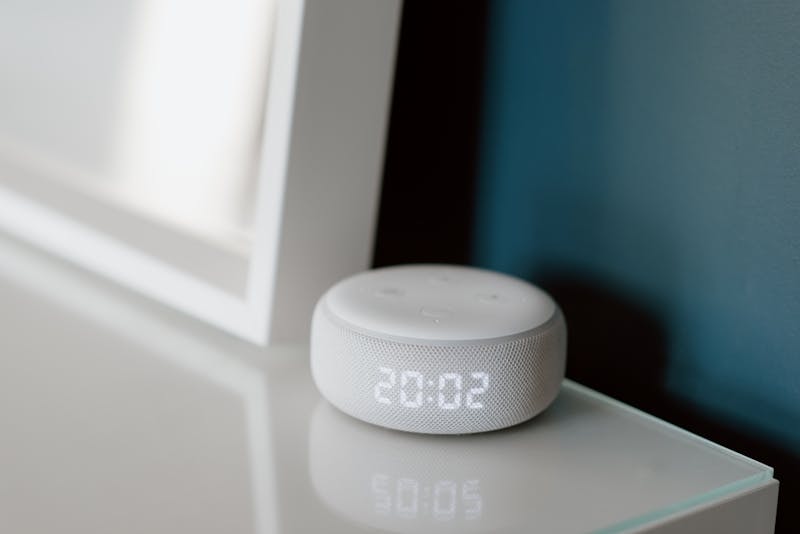
SpeakableSpecification schema tells voice assistants which parts of your page are most suitable for text-to-speech reading. As voice search grows and AI assistants read web content aloud, implementing this schema on your Wix site gives your content an advantage for voice-based queries.
What SpeakableSpecification Schema Does
SpeakableSpecification identifies specific sections of your content that are suitable for audio playback using text-to-speech (TTS) technology. Google Assistant and other voice assistants use this markup to select the most relevant, concise section of your page to read aloud when answering a voice query.
When to Use SpeakableSpecification
- News articles and blog posts with clear summary sections
- FAQ pages where answers need to be read aloud clearly
- How-to guides with step-by-step instructions
- Product descriptions with key features and specifications
- Service pages with concise descriptions of what you offer
- Local business pages with address, hours and contact details
Implementing SpeakableSpecification on Wix
Adding speakable schema to your Wix pages
- Identify the 2-3 most concise, informative sections on each page
- Ensure these sections are written in clear, conversational language suitable for reading aloud
- Keep speakable sections under 2-3 sentences each for optimal TTS delivery
- Add the SpeakableSpecification within your existing Article or WebPage schema
- Use CSS selectors or xPath to reference the speakable content sections
- Test with the Schema Markup Validator to confirm correct implementation
- Monitor voice search traffic in Google Search Console under the Discover tab
Writing Content for Voice Search
Content marked as speakable should be written differently from standard web content. Use short, declarative sentences. Avoid abbreviations, jargon and complex sentence structures. Write as if you are speaking directly to someone. The content should make sense when heard without visual context.
How to inject SpeakableSpecification JSON-LD into a Wix page
- Navigate to Dashboard > Settings > Custom Code in your Wix account.
- Click Add Custom Code and choose the page where you want to add the speakable schema.
- Select Head as the placement and set the scope to "Specific pages" then choose the target page.
- Paste the JSON-LD script block containing your Article schema with the speakable property nested inside it.
- In the speakable property, use CSS selectors to reference the HTML elements that contain the concise summary content you want voice assistants to read.
- Write those target sections in short, direct sentences of no more than two to three lines each.
- Click Apply, then publish your Wix site.
- Open the Schema Markup Validator at validator.schema.org and enter the page URL to confirm the speakable property is correctly recognised.
- Monitor the Search Console Discover report after two to four weeks for any impressions driven by voice or Discover traffic.
Voice Search Tools
- Schema.org Speakable: Official SpeakableSpecification documentation
- Schema Markup Validator: Validate your speakable schema implementation
Was this lesson useful?
It takes 1 minute to tell me. The course is free and I want to keep it that way, and your feedback shows me what is working and helps other people find it.
This lesson on SpeakableSpecification schema for voice assistants on Wix is part of Module 6: Technical SEO, Structured Data & Rich Snippets for Wix in The Most Comprehensive Complete Wix SEO Course in the World (2026 Edition). Created by Michael Andrews, a Wix Marketplace Legend Partner with 14 years of hands-on experience, 800 completed Wix SEO projects and 456 verified five-star reviews.