Wix Restaurants local SEO: Google Business Profile, menu schema and reservation links
Module 9: Local SEO Domination | Lesson 125 of 683 | 35 min read
By Michael Andrews, Wix SEO Expert UK
Restaurants on Wix have access to specialised local SEO opportunities through FoodEstablishment schema, Menu schema and direct GBP reservation integration. This lesson covers every restaurant-specific local SEO element available on Wix, from structured data implementation to Google Business Profile category optimisation and online ordering visibility.
What you will learn in this Wix SEO lesson
- FoodEstablishment and Restaurant schema implementation on Wix
- Menu and MenuItem structured data: linking your Wix menu to Google rich results
- Google Business Profile restaurant-specific features: menu link, ordering, reservations
- Setting up hasMenu markup to display your menu in local search results
- Optimising your Wix Restaurants pages for the Google Local Pack
- Managing reviews across GBP, TripAdvisor and Yelp for local ranking signals
Restaurants on Wix have access to specialised local SEO opportunities that most generic businesses do not. FoodEstablishment and Menu schema, GBP restaurant features, and Wix's native ordering integration create multiple paths to dominate local search for food-related queries.
FoodEstablishment and Restaurant Schema on Wix
The Schema.org Restaurant type (a subtype of FoodEstablishment and LocalBusiness) provides Google with structured information about your restaurant: cuisine type, price range, opening hours, reservations availability, accepted payment methods and menu URL. Add this as JSON-LD via Wix Custom Code on your homepage and main restaurant page.
Menu and MenuItem Schema: Displaying Your Menu in Search
- hasMenu property links your Restaurant schema to a Menu schema object
- Menu schema contains MenuSection and MenuItem schema for each dish
- MenuItem includes name, description, offers (price) and suitableForDiet
- Google may display menu items directly in local Knowledge Panel results
- Link the hasMenu URL to your actual Wix Restaurants menu page
- Keep menu schema updated whenever prices or items change
Google Business Profile Restaurant-Specific Features
Optimising GBP for restaurant local SEO
- Set primary category to "Restaurant" and add cuisine-specific secondary categories
- Add your full menu link in the GBP Menu URL field (links to your Wix menu page)
- Enable online ordering link in GBP if using Wix Restaurants ordering
- Connect reservations through GBP using your Wix Bookings or OpenTable link
- Upload high-quality food photography (minimum 5 photos updated monthly)
- Respond to all Google reviews within 24 hours using cuisine-relevant language
Wix Restaurants and Google Ordering Integration
Wix Restaurants integrates with Google's Order Online feature, which allows customers to place orders directly from Google Search and Maps. To enable this, ensure your Wix Restaurants ordering system is active and connected through GBP. This integration drives high-intent conversion traffic directly from local search results without requiring a click to your website.
How to Add Restaurant Schema Markup to Your Wix Site
How to implement FoodEstablishment and Menu schema for a restaurant on Wix
- Open your Wix Dashboard and navigate to Settings > Custom Code.
- Click Add Custom Code, set placement to Head, and set loading to Load once (page fully loads).
- Set Load on to Specific pages and select your restaurant homepage and main restaurant page.
- In the code editor, create a JSON-LD script block with @type set to "Restaurant" (a subtype of FoodEstablishment).
- Complete the core Restaurant properties: name (your restaurant name), address (using PostalAddress schema), telephone, url, priceRange (one to four pound signs), and servesCuisine (list your cuisine types as an array).
- Add the hasMenu property with a value pointing to the URL of your Wix Restaurants menu page, for example "https://yoursite.com/menu".
- Add openingHoursSpecification for each day of the week using the OpeningHoursSpecification schema type, specifying dayOfWeek, opens, and closes times in 24-hour format.
- Include the acceptsReservations property set to true or false depending on whether you take bookings, and add the reservationsRequired property if advance booking is mandatory.
- Paste the completed JSON-LD into the Custom Code editor and click Save.
- Test the schema by entering your restaurant page URL in the Google Rich Results Test, check for the Restaurant rich result type, and fix any errors before requesting indexing via GSC.
Essential Tools for This Lesson
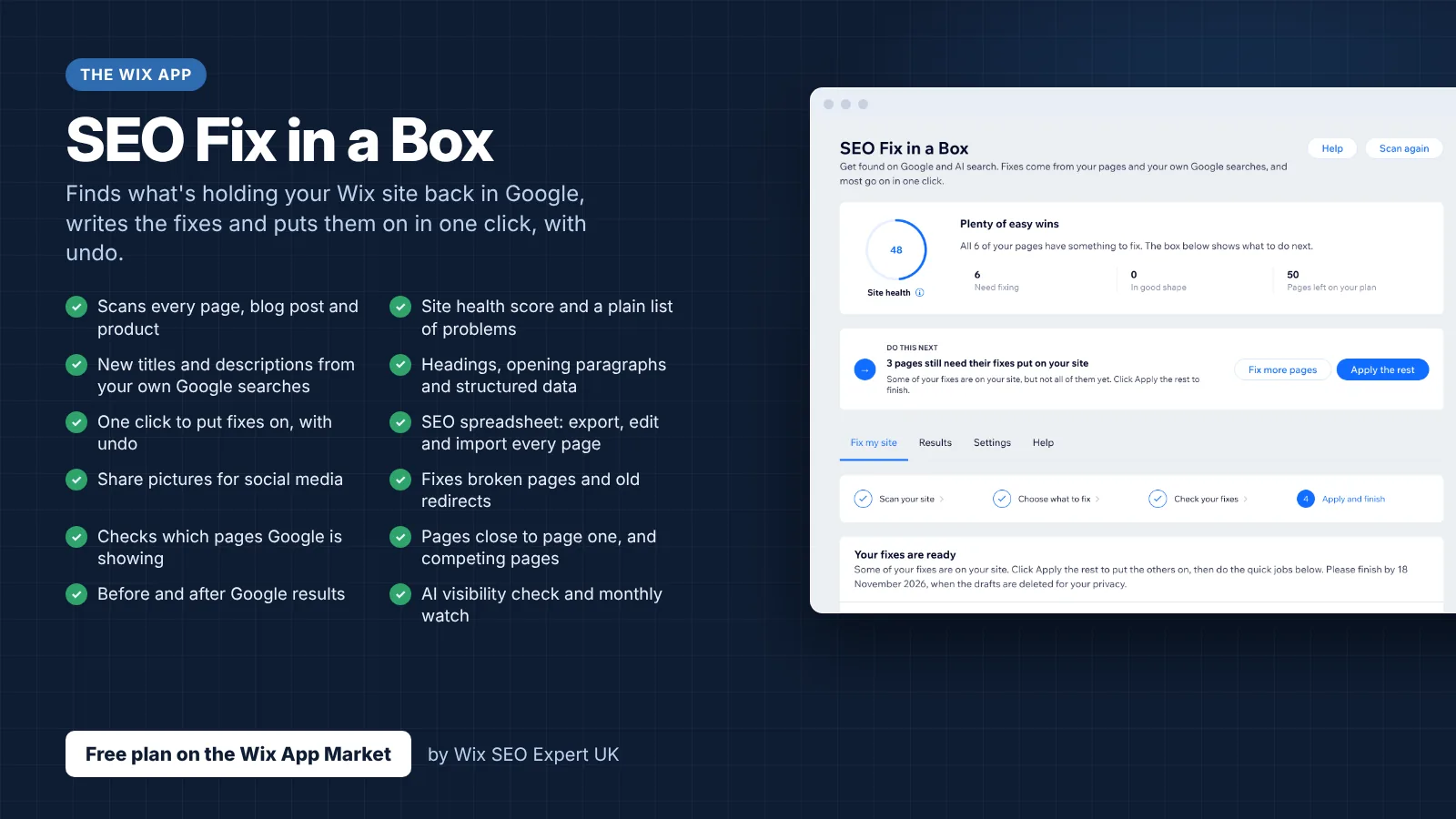
- SEO Fix in a Box: My Wix app. Free to install, it scans your site and shows what needs fixing, and the paid plan writes the fixes from your own Google searches
More lessons in Module 9: Local SEO Domination
- Google Business Profile: the complete optimisation guide for 2026
- NAP consistency: Name, Address, Phone across every platform
- Local landing pages that dominate city and town searches
- Citation building: the 50 directories every local business needs
- Review generation: ethical, scalable tactics that work
- Local schema markup on your Wix site, full code walkthrough
- Service area business SEO: ranking without a physical storefront on Wix
- Google Maps embedding and optimisation on Wix pages
- How to beat big brands in local search with a Wix site
- Google Business Profile advanced: Posts, Q&A, Products and Services
- AI-powered local SEO: how AI Overviews are changing local search results
- Apple Business Connect and Bing Places: local SEO beyond Google for Wix
- Local SEO in the age of AI: how ChatGPT and Perplexity handle local queries
- Google Business Profile product catalogue: driving local SEO with product listings
Was this lesson useful?
It takes 1 minute to tell me. The course is free and I want to keep it that way, and your feedback shows me what is working and helps other people find it.
This lesson on Wix Restaurants local SEO: Google Business Profile, menu schema and reservation links is part of Module 9: Local SEO Domination in The Most Comprehensive Complete Wix SEO Course in the World (2026 Edition). Created by Michael Andrews, a Wix Marketplace Legend Partner with 14 years of hands-on experience, 805 completed Wix SEO projects and 459 verified five-star reviews.