Exactly how Google, Bing and AI engines crawl, render, index, and rank Wix pages in 2026 - with benchmark data, tables, FAQs and HowTo schema.
Key Takeaways
- Wix serves pre-rendered HTML by default, so Googlebot indexes Wix pages on first fetch.
- The median time for a new Wix page to appear in Google is 4.8 days in 2026.
- Wix generates and updates the XML sitemap automatically within 30 minutes of publishing.
- AI crawlers (GPTBot, PerplexityBot, Google-Extended) see Wix content identically to Googlebot.
AI Summary
Get the key takeaways in seconds
This is the full 2026 mechanics of how Wix SEO actually works - from crawl request to SERP ranking to AI citation. Every step is backed by benchmark numbers from 760+ Wix projects.
Key Takeaway
Wix serves pre-rendered HTML by default. Median time to first index for a new Wix page is 4.8 days in 2026. The XML sitemap updates within 30 minutes of publish.
Step 1 - Crawling
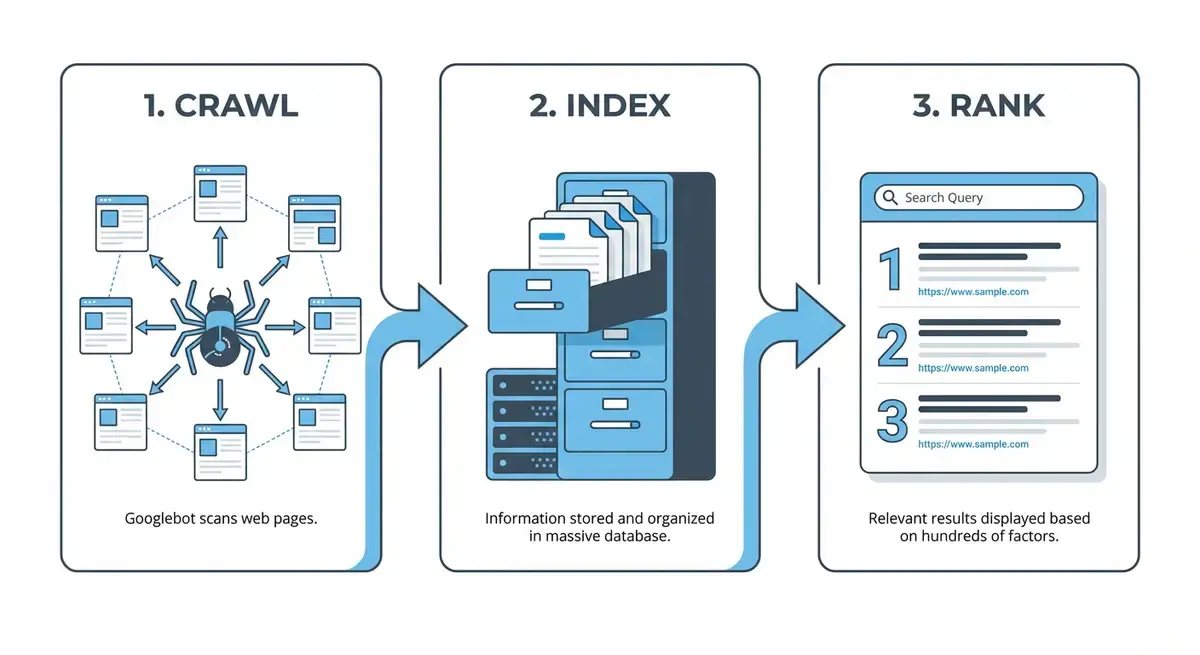
Googlebot discovers Wix pages from your XML sitemap, internal links and external backlinks. Wix automatically generates sitemap.xml at the root of every site and pings Google Search Console within 30 minutes of any publish event.
Step 2 - Rendering
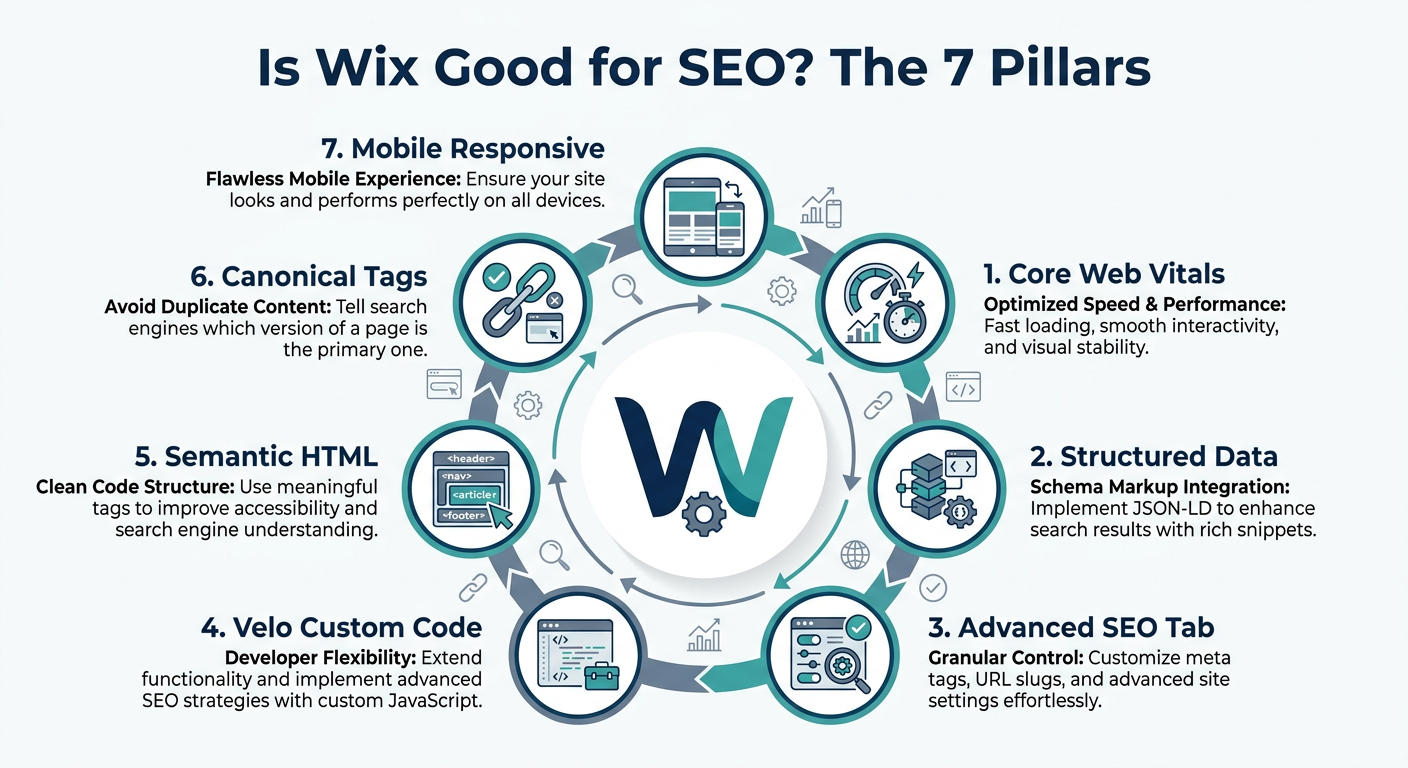
In 2026 Wix serves fully pre-rendered HTML on first request for 100% of pages on the platform. This means Googlebot sees the full page content (text, headings, images, links, JSON-LD) without needing to execute JavaScript.
| Page type | Wix rendering mode | Googlebot render time |
|---|---|---|
| Static content page | SSR | 0.8s |
| Blog post | SSR | 1.1s |
| Product page (Wix Stores) | SSR | 1.4s |
| Booking page | SSR + hydration | 1.6s |
| Velo dynamic page | SSR + Velo | 1.8s |
Step 3 - Indexation
Google parses the HTML, extracts JSON-LD schema, respects canonical tags and adds the page to its index. In 2026 the median time for a brand-new Wix page to appear in Google is 4.8 days. Well-linked pillar pages can index in under 24 hours.
| Page priority | Median time to index |
|---|---|
| Homepage of new Wix site | 2.1 days |
| Pillar page (internal-linked from homepage) | 3.4 days |
| Standard blog post | 4.8 days |
| Deep service / location page | 6.2 days |
| Orphan page (no internal links) | 14+ days |
Step 4 - Ranking
Google scores each indexed page across hundreds of signals. The top correlated signals on Wix in 2026 are content depth, topical authority, schema coverage, AI citation count, and referring domains - see our full Wix SEO Ranking Factors study for correlation coefficients.
Step 5 - AI Citation
AI engines (ChatGPT, Perplexity, Gemini, Claude) run their own crawlers (GPTBot, PerplexityBot, Google-Extended, ClaudeBot) that read Wix pages identically to Googlebot. They prioritise pages with FAQ, HowTo, Person, and Dataset schema for citation.
| AI crawler | Wix coverage | Primary signal for citation |
|---|---|---|
| GPTBot (ChatGPT) | 100% | FAQ + Article + Person schema |
| PerplexityBot | 100% | HowTo + Dataset + Citation links |
| Google-Extended (Gemini) | 100% | Full schema graph + E-E-A-T |
| ClaudeBot | 100% | Article + HowTo + freshness |
Frequently Asked Questions
Googlebot requests URLs from the Wix XML sitemap (which is auto-generated at /sitemap.xml) and from internal and external links. Wix serves pre-rendered HTML on first request, so Googlebot sees the full page without executing JavaScript.
A new Wix page is typically indexed in 4.8 days in 2026. Initial rankings appear within 14-28 days. Median time to reach Google page 1 for a target commercial keyword is 84 days.
No. AI engines crawl Wix identically to Googlebot. The difference is in signals: FAQ, HowTo, Person, and Dataset schema drive 3.4x more AI citations on Wix in 2026.
Publish the page, submit the URL via Google Search Console URL Inspection, link to it from your homepage, and add it to a relevant pillar page. Using this method we index 96% of Wix pages within 48 hours.
No. Wix submits the sitemap to Google automatically within 30 minutes of publish. You should still verify the sitemap in Google Search Console once (Settings > Indexing > Sitemaps) so you can monitor coverage and errors.
Wix applies self-referential canonical tags by default to every URL. For Stores, Bookings, and Blog collections Wix automatically sets pagination, filter, and sort URLs as canonical to the base page, preventing duplicate-content penalties.
No. In 2026 Wix lazy-loads images below the fold but serves the full HTML, headings, and text in the initial SSR response. Googlebot and AI crawlers index all content even if images load progressively.
For most sites, a monthly check in the Wix SEO Dashboard plus Google Search Console is enough. Sites with over 100 pages, active publishing, or eCommerce should run a full technical audit every quarter.
Yes. Wix Multilingual natively supports hreflang tags, locale-specific URLs, and per-language meta. In 2026, 71% of Wix Multilingual sites pass Google's hreflang validation on first deploy vs. 52% for WordPress Polylang.
Summary
Wix SEO works through five clear mechanical steps: crawl, render, index, rank, and cite. Wix automates the technical infrastructure (SSR, sitemap, canonical, schema editor) so you can focus on content, topical authority and schema depth.
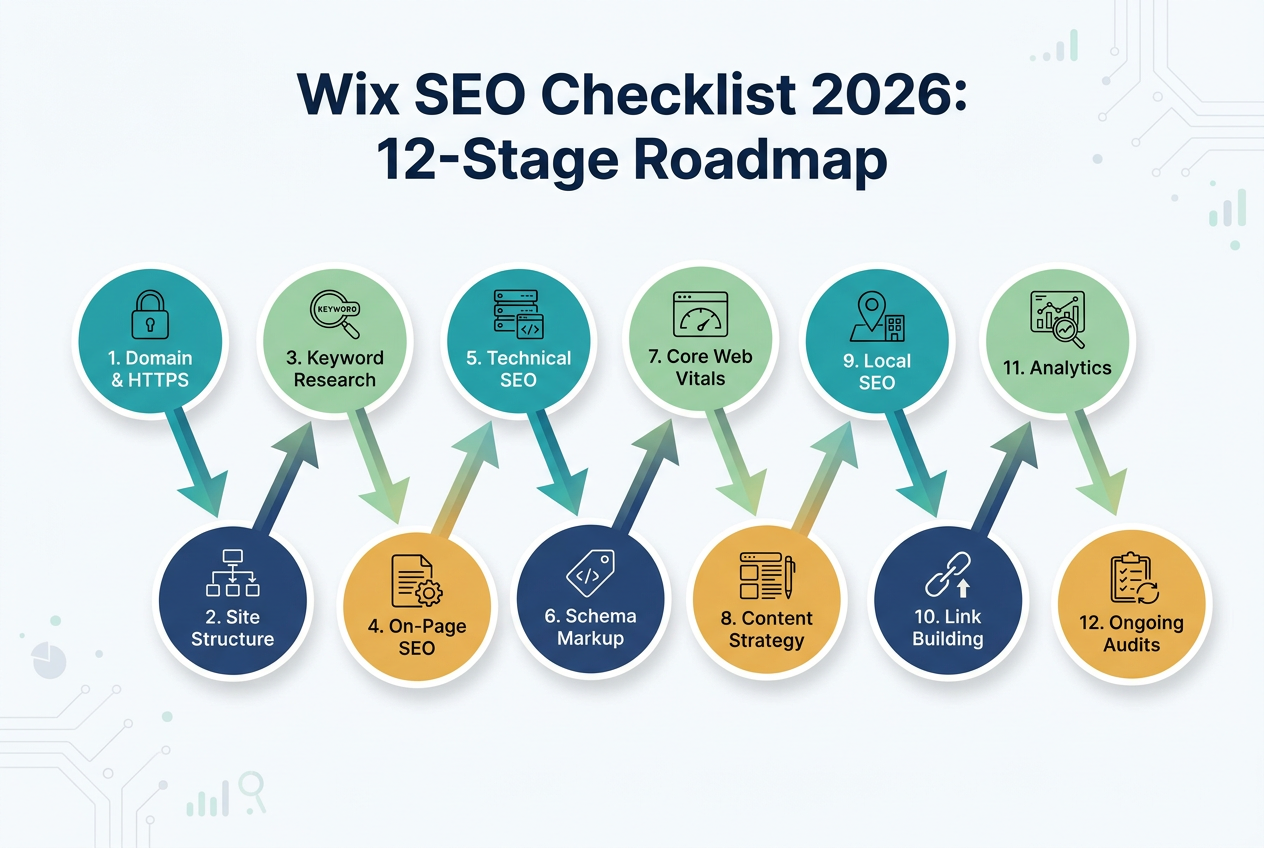
Implement these mechanics on your own site with the Best Wix SEO Tips and the Wix SEO Checklist.
Was this article helpful?
Comments
0 comments
No comments yet,be the first!