The visual search revolution: how Google Lens and image search are changing SEO in 2026
Module 24: Visual Search & Image SEO Beyond Alt Text on Wix | Lesson 289 of 683 | 40 min read
By Michael Andrews, Wix SEO Expert UK
Visual search is no longer a novelty. In 2026, over 12 billion visual searches are performed on Google Lens every month, Pinterest processes over 600 million visual searches monthly, and Google Image Pack results appear in more than 30 percent of all desktop search queries. For Wix site owners, visual search represents a massive, largely untapped traffic channel. While your competitors focus exclusively on text-based SEO, optimising for visual search gives you access to an entirely separate stream of qualified visitors. This lesson explains how visual search technology works, why it matters more than ever, and the scale of the opportunity most businesses are ignoring.
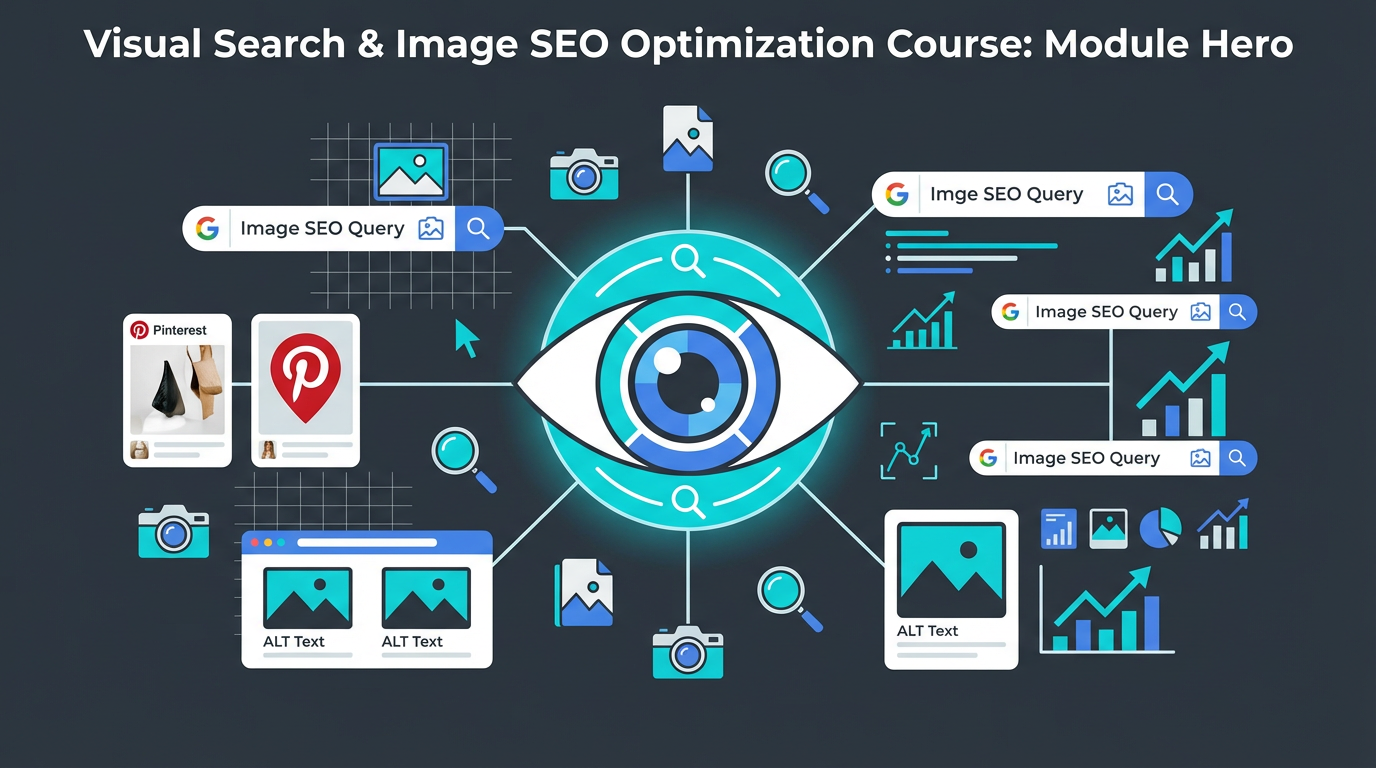
How Google Lens Processes and Matches Visual Content
Google Lens uses a combination of computer vision, machine learning and knowledge graph integration to understand what an image contains. When a user points their camera at a product, landmark, plant, or text, Lens identifies the object, matches it against billions of indexed images and web pages, and returns relevant results. For businesses, this means your product photos, service images, and visual content can appear as Google Lens results when someone photographs a similar item in the real world.
The technology behind Google Lens has improved dramatically. It can now identify specific product variants, read text within images, translate languages in real time, and even identify skin conditions and plant species. For eCommerce Wix sites, this means a potential customer can photograph a product they see in a shop, at a friend house, or in a magazine, and Google Lens can match it to your product page if your images are properly optimised.
The Growth of Visual Search: Traffic Potential
The traffic potential from visual search is substantial and growing. Google Images alone accounts for approximately 22 percent of all web searches. When you combine Google Images, Google Lens, Pinterest visual search, and Bing visual search, visual channels represent a significant portion of total search traffic that most SEO strategies completely ignore.
- Google Images: approximately 22 percent of all web searches, the second most-used Google property after standard search
- Google Lens: 12 billion plus monthly searches with rapid year-over-year growth
- Pinterest: 450 million plus monthly active users, 85 percent of whom use Pinterest for purchase decisions
- Bing Visual Search: growing integration with Microsoft Edge and Windows, particularly strong for product searches
- Image Pack results in standard Google search: appear in over 30 percent of all search queries, driving clicks to image-optimised sites
How Google Image Pack Results Drive Organic Traffic
The Google Image Pack is a row of images that appears within standard search results for many queries. Unlike traditional organic results where you compete on text-based signals alone, Image Pack inclusion depends heavily on image quality, relevance, and proper image SEO. Sites that appear in the Image Pack receive additional visibility and clicks that do not cannibalise their standard organic listing, meaning you effectively get two chances to capture the click.
How to check if your Wix site appears in Image Pack results
- Search your main keywords in an incognito Google browser window
- Look for a row of images in the search results, typically appearing near the top or middle of the page
- Click on the Image Pack to see full image search results and check if any are from your Wix site
- In Google Search Console, filter the Performance report by Search Type > Image to see which queries drive image search traffic
- Note which keywords show Image Pack results but your site does not appear in them, these are your image SEO opportunities
Why Most Wix Site Owners Miss the Visual Search Opportunity
The reason most Wix sites fail to capture visual search traffic is simple: they treat images as decoration rather than as searchable content. Images are uploaded without descriptive file names, alt text is either missing or generic, captions are rarely used, surrounding context is not optimised, and image technical quality (size, format, dimensions) is not considered. On Wix specifically, users often rely on Wix stock images (which every Wix site uses) rather than original images, missing the opportunity to rank for unique visual content.
- Stock images used by thousands of other sites cannot rank uniquely for your business
- Generic file names like image1.jpg tell Google nothing about the image content
- Missing or thin alt text deprives Google of its primary text signal for understanding images
- No captions means missing the strongest contextual signal for image relevance
- Oversized images slow page load times, hurting both standard and image SEO rankings
- No image structured data means missing opportunities for rich image results
- Ignoring Pinterest and Google Lens optimisation leaves entire traffic channels untapped
The Visual Search Ecosystem: Google Lens, Pinterest, Bing
Visual search is not a single channel but an ecosystem of platforms, each with slightly different optimisation requirements. Google Lens prioritises product identification and informational matching. Pinterest prioritises visual similarity and aesthetic appeal. Bing Visual Search integrates with Microsoft products. Understanding each platform helps you optimise your Wix site images for maximum cross-platform visibility.
Complete How-To Guide: Assessing Your Visual Search Opportunity
Follow these steps to understand your current visual search position and opportunity
- Open Google Search Console and go to Performance > Search Results. Filter by Search Type > Image to see your current image search traffic
- Note your total image search clicks and impressions for the last 3 months
- Compare image search traffic to your total web search traffic to calculate the percentage
- Search your top 10 keywords in Google and note which ones show Image Pack results
- For each keyword with Image Pack results, check if your Wix site images appear
- Search your top 10 keywords on Google Images directly and note your position if you appear
- Open Pinterest and search your main keywords to see what visual content currently ranks
- Test Google Lens on your own product photos and service images to see what Google matches them with
- Create a visual search opportunity list: keywords with Image Pack results where your Wix site does not appear
- Estimate the potential traffic by noting the search volume of keywords where you could win Image Pack inclusion
- Audit your Wix site current image inventory: how many images, how many have descriptive file names, how many have alt text, how many have captions
- Set a visual search traffic goal: aim to increase your image search traffic by at least 50 percent within the next 6 months using the techniques in this module
Essential Tools for This Lesson
- SEO Fix in a Box: My Wix app. Free to install, it scans your site and shows what needs fixing, and paid plans write the fixes from your own Google searches
Was this lesson useful?
It takes 1 minute to tell me. The course is free and I want to keep it that way, and your feedback shows me what is working and helps other people find it.
This lesson on The visual search revolution: how Google Lens and image search are changing SEO in 2026 is part of Module 24: Visual Search & Image SEO Beyond Alt Text on Wix in The Most Comprehensive Complete Wix SEO Course in the World (2026 Edition). Created by Michael Andrews, a Wix Marketplace Legend Partner with 14 years of hands-on experience, 800 completed Wix SEO projects and 456 verified five-star reviews.
