Wix vs Webflow: Which Is Better in 2026? An Honest Comparison
By Michael Andrews | Published: 2026-09-17 | Updated: 2026-09-17 | 13 min read
Wix or Webflow? This honest 2026 comparison weighs both builders on design control, ease of use, code quality, ecommerce and, above all, SEO, so you can choose the right one for your business. Written by a Wix specialist, with genuine credit to Webflow where it is due.
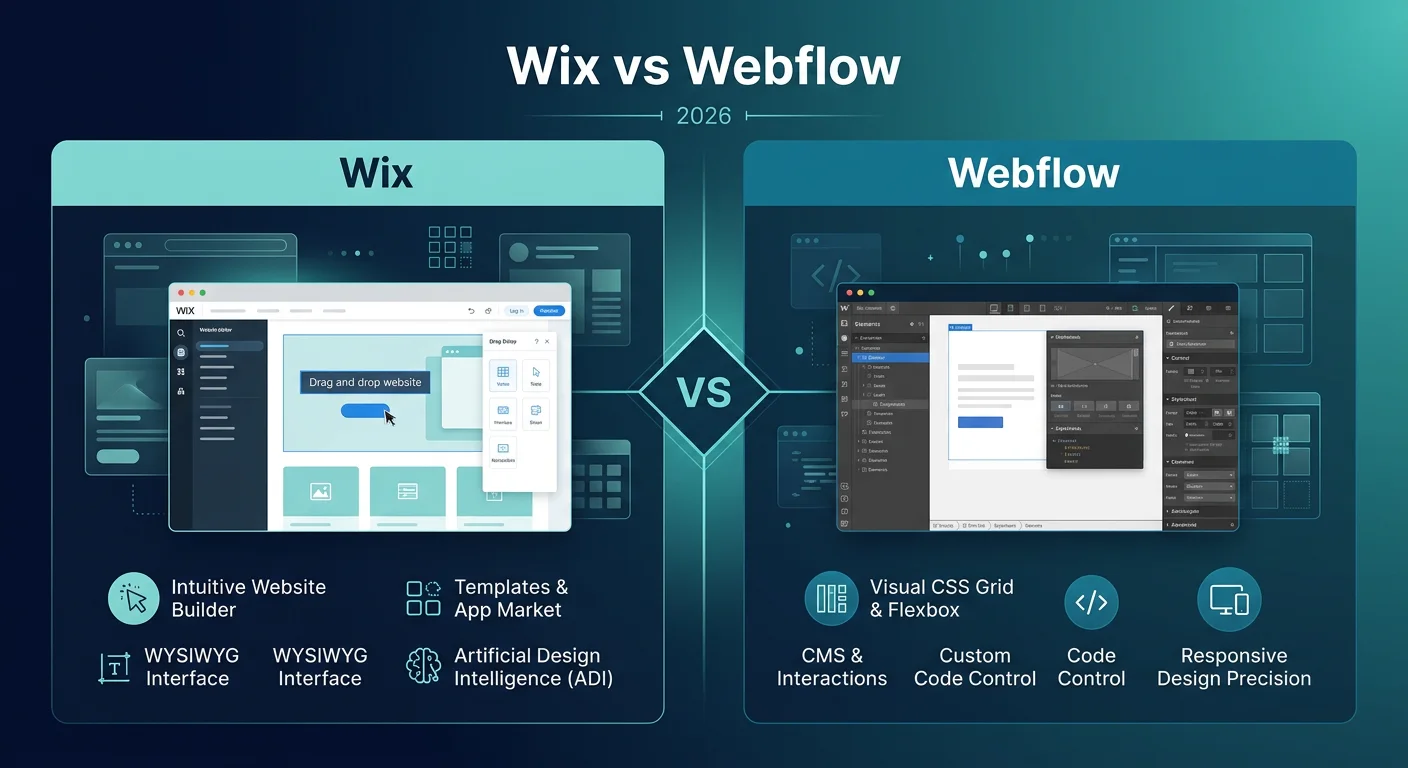
Wix or Webflow? This is a comparison people usually reach for when design really matters to them, because Webflow has a strong reputation among designers and developers. The honest answer is that these two are built for different people, so the right choice depends on who is going to build and run the site rather than on which one wins outright. I will be straight from the start: I am a Wix specialist, I work with Wix and nothing else, so I have a natural leaning. But a comparison is only useful if it is fair, so I will give Webflow real credit where it earns it, and I will bring Wix Studio into this properly, because it is Wix's answer to exactly the crowd Webflow is built for. If being found on Google is your main concern, I will come back to that in detail.
Wix vs Webflow at a glance
| What matters | Wix | Webflow |
|---|---|---|
| Design control | High, and very high with Wix Studio | Very high, close to pixel level |
| Ease of use | Beginner friendly | A real learning curve |
| Built for | Business owners and professionals | Designers and developers |
| Code quality | Clean, and strong with Wix Studio | Clean and semantic |
| SEO control | Deep and accessible | Deep and more technical |
| eCommerce | Scalable and easy | More limited |
| All-in-one extras | Hosting, apps, bookings, email | Design-led, fewer built-in extras |
| Best for | Building and running it yourself | Total design control |
That is the shape of it. Now let me take the pieces that actually matter, one at a time.
Design and code control
This is Webflow's home ground, and I will not pretend otherwise. Webflow gives designers close to pixel-level control and produces clean, semantic code, which is why studios and developers love it. It is less a website builder and more a visual development tool. Classic Wix takes a friendlier approach, with a drag and drop editor that is easier to pick up but less precise at the extremes. The important thing most comparisons miss is Wix Studio, Wix's advanced editor built for designers and agencies, which brings responsive, grid-based, far more granular control much closer to Webflow's level while staying more approachable. So the honest picture is not Webflow control versus Wix simplicity. It is Webflow versus Wix Studio at the professional end, and classic Wix for everyone who wants it simpler. I go into the platform in my Wix Studio SEO guide.
Ease of use and the learning curve
Here the gap is wide and it runs the other way. Webflow is powerful, but it has a genuine learning curve, and it expects you to understand how web layout works under the hood. For a designer that is a feature. For a busy business owner it can be a wall. Wix is beginner friendly, and even Wix Studio, while more advanced, is more approachable than Webflow for someone who is not a developer. If you want to build and manage the site yourself without hiring a specialist every time you need a change, that difference matters a great deal.
SEO, the part that matters most here
This is where I spend my working life, so I will be precise. The builder itself is not a Google ranking factor, so both a Wix site and a Webflow site can rank on the first page, and the one that wins is the one optimised better. Webflow has a strong SEO reputation, largely because of its clean code and control, and it is well deserved. Wix gives you deep SEO controls too: editable titles and meta descriptions, custom slugs, canonical tags, 301 redirects, meta robots, an editable robots file, XML sitemaps and structured data, and Wix Studio produces solid, fast code. The practical difference is who does the work. Webflow's SEO power sits behind a more technical interface, while Wix puts the same essentials within easy reach. Both can rank very well. I explain what good looks like in is Wix good for SEO and how to rank a Wix website on the first page of Google.
eCommerce
If selling is part of the plan, Wix is the easier and more scalable choice for most businesses, with a mature store, payments and a large app market. Webflow can handle ecommerce, but it has historically been more limited than its design tooling, so it suits a design-led store more than a large or complex one. Check Webflow's current commerce plans against what you actually need before deciding, but for most sellers Wix gives you more out of the box.
Who each one is really for
This is the heart of it. Webflow is built for designers, developers and agencies who want total control and clean code, and who either have the skills or will invest in learning them. Wix is built for business owners who want to create and run a professional site themselves, with Wix Studio sitting alongside for professionals and agencies who want advanced design without Webflow's steeper curve. Neither audience is wrong. The question is simply which one is you.
Pricing and what you get
Both use tiered pricing and both include hosting in their paid plans, so on headline cost they are in a similar bracket, though Webflow's plan structure, with separate site and workspace pricing, can get more complex for teams. Wix leans on an all-in-one story, bundling hosting, a large app market and business tools like bookings and email. Rather than quote figures that date quickly, compare the current plans for the specific features and team setup you will actually use.
Where Webflow genuinely wins
I will always be fair, so here is Webflow's honest case. For a skilled designer or a studio, it offers a level of creative and technical control that is hard to match, along with clean code and a professional workflow built for exactly that user. If you have the design and development skills, or you are hiring people who do, and total control is the priority, Webflow is a superb tool and I would not steer you away from it.
The verdict
Neither Wix nor Webflow is better at everything, so the honest answer depends on who is building the site. Choose Webflow if you are a designer, developer or agency, you want total design and code control, and you will invest in the learning curve. Choose Wix if you want to build and manage a professional site yourself with far less friction, and choose Wix Studio if you want advanced, agency-level design without Webflow's steep climb. For most business owners, and for many agencies who value speed and an all-in-one platform, Wix or Wix Studio is the one I would point you to, so weigh that against the fair credit I have given Webflow above. If you are on Webflow and thinking of moving, you can rebuild on Wix or Wix Studio and keep your rankings with proper redirects, which I cover in my Wix SEO migration guide. You can also see how it stacks up against the others in Wix vs Squarespace, Wix vs WordPress and Wix vs GoDaddy.
Fix your Wix SEO from your dashboard
Wix SEO Fix in a Box scans every page, writes your fixes from your own Google searches and puts them on in one click, with undo. Start on the free plan.

Want this sorted on your own Wix site?
I have worked only on Wix for 14 years. Get Wix SEO Fix in a Box on the Wix App Market to find and fix what is holding your site back, or see my packages and prices if you would rather I did it all for you.
Frequently asked questions
Frequently Asked Questions
Is Wix or Webflow better?
It depends on you. Webflow is better for designers and developers who want total design and code control. Wix is better for business owners who want to build and manage a site themselves, and Wix Studio gives professionals advanced design without the same steep curve.
Is Wix or Webflow better for SEO?
Both are strong and the builder is not a ranking factor. Webflow is known for clean code, while Wix gives deep, accessible SEO controls and Wix Studio produces solid code too. The better-optimised site is the one that wins.
Is Webflow harder to use than Wix?
Yes. Webflow has a real learning curve and is aimed at designers and developers. Wix is beginner friendly, and Wix Studio adds advanced control while staying more approachable than Webflow for a non-developer.
Is Webflow or Wix better for ecommerce?
For most businesses Wix is the easier and more scalable choice for selling online. Webflow can handle ecommerce but has historically been more limited, so check its current plans against your needs first.
Can you move from Webflow to Wix?
Yes. You can rebuild on Wix or Wix Studio and move your domain across, and with proper 301 redirects you keep your Google rankings. My Wix SEO migration guide walks through how to do it without losing traffic.
On Wix, Wix Studio or Webflow and want to be found on Google and in AI search? See how I help Wix businesses rank.