Symphony by Wix Pricing: Plans, Costs and Credits Explained (2026)
By Michael Andrews | Published: 2026-09-16 | Updated: 2026-09-16 | 12 min read
How much does Symphony by Wix actually cost? This 2026 guide breaks down every plan, from the free tier to Basic, Pro and Max, explains how the credit system works, covers the annual discount and the free website offer, and gives an honest view of which plan suits which business.
If you are weighing up Symphony by Wix, the first thing you want to know is what it costs, and the honest answer is that you can start for nothing. Symphony, the AI agent platform Wix launched in 2026, has a free plan and three paid tiers, and its pricing works on a credit system rather than a flat seat fee. In this guide I will break down every plan, explain how the credits actually work, cover the annual discount and the free website offer, and give you my honest view on which plan suits which kind of business. If you want the fuller picture of what Symphony is and whether it is any good, I have written a separate Symphony by Wix review, and a piece on what Symphony means for your website and your SEO.
Symphony by Wix pricing at a glance
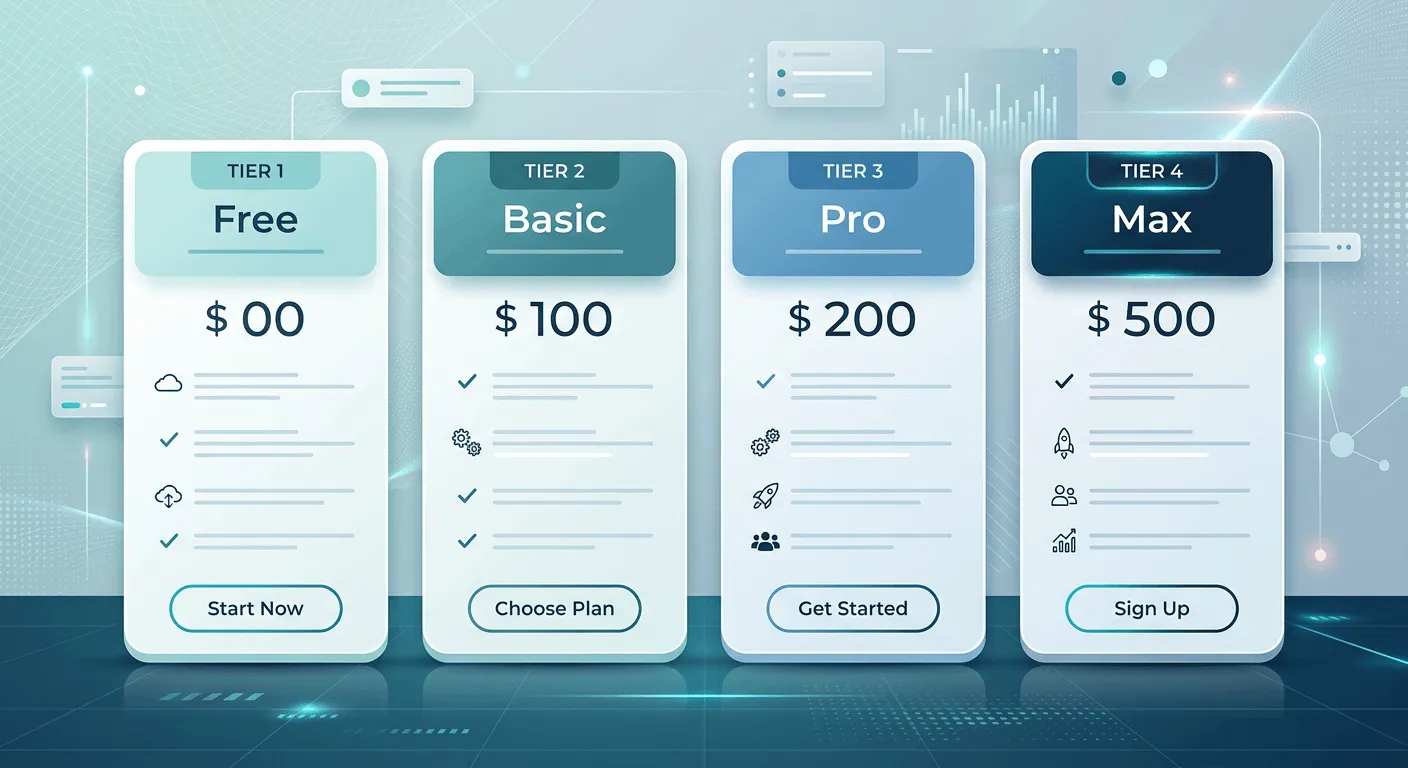
Here are the plans as they stand in 2026. Symphony is priced in US dollars, and the prices below are the monthly rate, with a discount for paying annually. Always check the current Wix pricing page before you commit, as plans and prices can change.
| Plan | Price per month | Monthly credits | Best for |
|---|---|---|---|
| Free | $0 | 500 (plus 100 per day) | Trying it out and light use |
| Basic | $16 | 2,000 | Solo owners starting to lean on their agents |
| Pro | $40 | 5,000 | Busy small businesses running more workflows |
| Max | $80 | Maximum usage | High-volume users who want everything running at full tilt |
Every plan, including the free one, comes with the same core: multiple AI agents, a single orchestrator to coordinate them, access to thousands of integrations, mobile and desktop access, agents that can work around the clock, a self-building knowledge base, and visual success metrics. What changes as you move up is how much your agents can do each month, which comes down to credits.
How Symphony pricing actually works: credits
This is the part that trips people up, so let me make it plain. Symphony does not charge you per agent or per user. Instead, each plan gives you a monthly pool of credits, and your agents spend those credits as they carry out work, drafting a marketing email, chasing an invoice, following up a quiet lead, doing a piece of research. The more your agents do, the more credits you use. The free plan gives you 500 credits a month, with a smaller daily cap of 100 so it paces your usage. Basic lifts you to 2,000 credits a month, Pro to 5,000, and Max is built for maximum usage with no need to watch the meter. Higher plans also add more bonus agent actions and more business briefings.
Expert Tip: The practical takeaway is that your right plan is not about how big your business is, it is about how much you actually hand over to your agents. Someone running a handful of automations needs far fewer credits than someone who has their agents managing outreach, marketing and finance follow-ups all day. Start low, watch your usage, and move up only when you regularly bump into the ceiling.
The plans in detail
Free plan (0 US dollars)
The free plan is a genuine free tier, not just a trial. It gives you 500 monthly credits and 100 daily credits, plus a couple of bonus agent actions and business briefings, so you can see what your agents can do before spending anything. For a lot of sole traders who just want to test the water, or who only need a little help each week, the free plan is a sensible place to live for a while. It is also the honest way to find out how many credits your real workload actually burns.
Basic plan (16 US dollars a month)
Basic is the entry paid plan and the natural next step once the free credits start running out. It gives you 2,000 monthly credits, along with more bonus agent actions and business briefings. This is the plan for a solo owner or a very small team who have decided Symphony is worth leaning on properly, but who are not yet running heavy, all-day automation. For many small businesses this will be the sweet spot.
Pro plan (40 US dollars a month)
Pro steps you up to 5,000 monthly credits and further bonus actions and briefings. This is aimed at busier small businesses that have more going on, more leads to chase, more marketing to produce, more workflows running in the background, and that would keep hitting the Basic ceiling. If your agents are doing real daily work across several areas of the business, Pro is likely where you land.
Max plan (80 US dollars a month)
Max is the top plan, built for high-volume users who want every agent running at full throttle without thinking about limits. It comes with the most bonus agent actions and business briefings, maximum usage, and priority support. This is for businesses that have gone all in on running the operation through Symphony and want the headroom to match.
Annual billing and the free website offer
Two things are worth knowing before you pick a plan. First, Wix offers 20 per cent off if you pay annually rather than monthly, so if you are confident you will keep using Symphony, the yearly option brings the effective cost down. Second, every plan currently includes an offer to build a website and get a Wix Light Premium plan free for a year. That matters because it changes the value equation, especially if you do not yet have a website, which brings me to a common question. For the price of every standard Wix plan, see how much a Wix website costs.
Do you need a Wix website to use Symphony?
No. This is the thing most people get wrong about Symphony. You do not need a Wix website, or any website at all, to use it. Symphony is a standalone platform, so you can run your agents whether your site is on Wix, on another builder, or nowhere yet. That said, the free Wix Light Premium plan bundled with the paid tiers is a real sweetener if you have been meaning to build or move a site anyway. If you are on Wix already, there is a natural fit, and I cover how Symphony ties into your wider Wix setup in my lesson on Symphony, AI agents and business growth.
Is Symphony by Wix worth the money?
Here is my honest take, and it is the same advice I would give any client. Do not start by picking a paid plan. Start on the free tier, connect it to the parts of your business you would most like off your plate, and watch how many credits a normal week actually uses. That real number, not a guess, tells you which plan you need. Most small businesses will find the free or Basic plan covers them for a good while, and only those genuinely running heavy daily automation will need Pro or Max. Weighed against the hours of admin it can take off you, the entry price is modest, but the golden rule with any credit-based tool is to pay for the usage you actually have, not the usage you imagine you might.
Fix your Wix SEO from your dashboard
Wix SEO Fix in a Box scans every page, writes your fixes from your own Google searches and puts them on in one click, with undo. Start on the free plan.

Want this sorted on your own Wix site?
I have worked only on Wix for 14 years. Get Wix SEO Fix in a Box on the Wix App Market to find and fix what is holding your site back, or see my packages and prices if you would rather I did it all for you.
Frequently asked questions
Frequently Asked Questions
Is there a free version of Symphony by Wix?
Yes. Symphony has a genuine free plan, not just a trial. It gives you 500 monthly credits and 100 daily credits, plus a couple of bonus agent actions and business briefings, so you can use it and see the value before paying anything.
How much does the cheapest paid plan cost?
The cheapest paid plan is Basic at 16 US dollars a month as of 2026, which gives you 2,000 monthly credits. Paying annually takes 20 per cent off. Always check the current Wix pricing page for the latest figures.
What are credits in Symphony by Wix?
Credits are how Symphony measures usage. Instead of charging per agent or per user, each plan gives you a monthly pool of credits that your agents spend as they carry out tasks. The more work your agents do, the more credits you use, so heavier users need a higher plan.
Do I need a Wix website to use Symphony?
No. Symphony is a standalone platform, so you can use it with no website at all, or with a site built on any platform. If you do build a site, the paid plans currently include a free Wix Light Premium plan for a year.
Is annual billing cheaper than monthly?
Yes. Wix offers 20 per cent off Symphony when you pay annually rather than monthly, so if you are confident you will keep using it, the yearly option lowers the effective monthly cost.
Which Symphony plan should I choose?
Start on the free plan and see how many credits your normal workload uses. Most small businesses are well served by the free or Basic plan, and only those running heavy daily automation across several areas need Pro or Max. Pick the plan that matches your real usage, not your imagined usage.
The bottom line
Symphony by Wix pricing is refreshingly simple: a real free plan, then Basic, Pro and Max at 16, 40 and 80 US dollars a month, all built around a monthly pool of credits, with 20 per cent off for paying annually and a free website plan thrown in. Because you can start for nothing and only pay when your usage grows, there is little risk in trying it. My advice stands: begin on the free tier, let your real usage tell you which plan you need, and upgrade only when the work justifies it. If you want to know whether Symphony is actually any good before you spend a penny, read my full Symphony by Wix review, and if you would like to understand how it fits your wider Wix and SEO setup, that is all in my free Wix SEO course.