Wix Automations for SEO: building workflows and alert systems
Module 19: Wix-Specific Features SEO Masterclass | Lesson 232 of 683 | 22 min read
By Michael Andrews, Wix SEO Expert UK
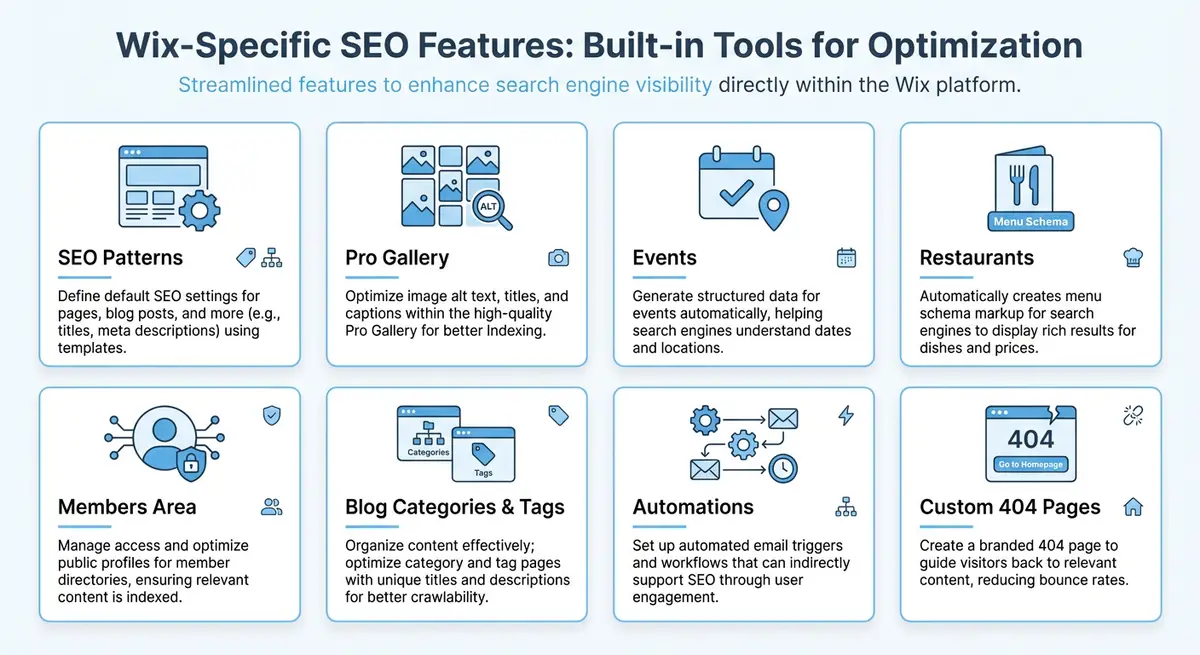
Wix Automations is a built-in workflow builder that lets you create automated sequences triggered by visitor actions, form submissions, purchases, bookings, and more. While automations are not an SEO tool in the traditional sense, they are a powerful supporting system for local SEO, review generation, customer engagement, and conversion rate optimisation, all of which indirectly influence your search performance. This lesson shows you how to build automations that amplify your SEO efforts without additional manual work.
How Wix Automations Work
Wix Automations follow a trigger-action model. A trigger is an event that initiates the automation: a form is submitted, a product is purchased, a booking is confirmed, a member signs up, or a specific date is reached. An action is what happens in response: send an email, create a task, add a label to a contact, send a notification, update a CMS item, or trigger a webhook to an external service. You can chain multiple actions together and add time delays between them.
The automation builder is visual and does not require coding. You select a trigger from a list of available events, configure the conditions (such as only triggering for specific products or form types), and then add one or more actions in sequence. You can preview the automation flow before activating it and monitor its performance through the automation dashboard, which shows how many times each automation has been triggered and completed.
Automating Review Request Emails
Online reviews are a top ranking factor for local SEO. Google explicitly considers review quantity, quality, and recency when ranking businesses in the local pack. The challenge is that most satisfied customers do not leave reviews unless asked. Wix Automations solves this by letting you create timed email sequences that request reviews at the optimal moment after a positive interaction.
Building a post-service review request automation
- Create a new automation and select the trigger "Invoice is paid" for service businesses, or "Order is fulfilled" for product businesses, or "Booking session ended" for appointment-based businesses.
- Add a time delay action. Wait 2-3 days after the service or delivery to give the customer time to experience the result before asking for a review.
- Add a "Send Email" action. Write a short, personal email thanking the customer for their business and asking them to share their experience.
- Include a direct link to your Google Business Profile review form. You can generate this link from your Google Business Profile dashboard under "Ask for reviews".
- Optionally, add a second email 7 days later for customers who did not respond to the first request. Use a slightly different message and keep the tone friendly, not pushy.
- Activate the automation and monitor the response rate. Adjust the timing and messaging based on results.
Form Submission Notifications and Lead Response
When a potential customer fills out a contact form on your Wix site, every minute of delay in your response reduces the likelihood of conversion. Studies show that responding to a lead within 5 minutes makes you 21 times more likely to qualify that lead compared to responding after 30 minutes. Wix Automations can send you instant notifications via email, push notification, or even SMS through integrations when a form is submitted.
Beyond simple notifications, build a multi-step automation that simultaneously notifies your team and sends the customer an acknowledgement email confirming receipt of their enquiry. Include an estimated response time, links to your FAQ or portfolio, and a personal touch. This immediate response reduces bounce-back to search results, which is a user experience signal that can indirectly affect your rankings.
Post-Purchase Follow-Up Sequences
For e-commerce stores on Wix, post-purchase automations serve multiple SEO-supporting functions. They can request product reviews, encourage social media sharing, promote related products, and ask customers to refer friends. Each of these actions generates signals that support your broader SEO strategy: reviews build local SEO signals, social sharing increases brand visibility, and referrals drive direct traffic that reduces your dependency on organic search alone.
- Day 1 after delivery: Send an order confirmation and thank you email with product care tips or usage instructions.
- Day 3-5 after delivery: Send a satisfaction check email asking if the product arrived safely and if they have any questions.
- Day 7-10 after delivery: Send a review request email with a direct link to leave a Google review or product review on your site.
- Day 14 after delivery: Send a cross-sell email recommending complementary products based on their purchase.
- Day 30 after delivery: Send a referral request email offering a small discount for referring a friend.
Supporting Local SEO with Automations
Local businesses can use Wix Automations to strengthen their local SEO signals in creative ways. Set up an automation that sends a follow-up email after every completed booking or service that includes a request to check in on Google Maps, share a photo of their experience, or mention your business on social media with a location tag. User-generated content with location signals strengthens your local relevance for Google.
Another powerful local SEO automation is a birthday or anniversary email sequence. When members or contacts have a birthday field populated, trigger an automated email with a special offer. This drives repeat visits, increases branded searches, and builds the kind of customer loyalty that generates word-of-mouth referrals. These indirect signals all contribute to the engagement metrics that influence local search rankings.
Conversion Rate Optimisation Through Automations
SEO brings visitors to your site, but conversions determine whether that traffic has value. Wix Automations can improve conversion rates in several ways. Abandoned cart recovery emails re-engage shoppers who left without purchasing, recovering revenue that would otherwise be lost. Welcome email sequences for new members guide them through your site and encourage their first purchase. Post-visit follow-ups for service businesses convert enquiries into bookings.
Higher conversion rates improve the commercial performance of every organic visit, making your SEO investment more valuable. They also reduce pogo-sticking, where users return to search results because they did not find what they needed, because effective follow-up communication keeps users engaged with your brand even after they leave your site. Track your conversion rates before and after implementing automations to quantify the impact.
Monitoring and Optimising Your Automations
Wix provides analytics for each automation showing trigger counts, completion rates, email open rates, and click-through rates. Review these metrics monthly and optimise underperforming automations. If your review request email has a low open rate, test different subject lines. If the click-through rate on the review link is low, simplify the email and make the call to action more prominent. Small improvements in automation performance compound over time into significant SEO benefits.
Complete How-To Guide: Building SEO-Supporting Automations on Wix
This guide walks you through creating the most impactful Wix Automations for SEO, starting with review generation and expanding to lead response, post-purchase follow-ups, and local SEO workflows.
How to set up SEO-boosting automations on Wix
- Step 1: Navigate to Automations in your Wix dashboard and click Create New Automation. Select your trigger based on your business type: "Invoice is paid" for service businesses, "Order is fulfilled" for product businesses, or "Booking session ended" for appointment-based businesses.
- Step 2: Add a Time Delay action. Set the delay to 2-3 days after the trigger event. This gives the customer time to experience your product or service before you ask for a review.
- Step 3: Add a Send Email action. Write a short, personal subject line like "How was your experience with [Business Name]?" In the body, thank the customer by name, mention the specific service or product, and ask them to share their experience.
- Step 4: Get your direct Google review link. Search for your business on Google, click "Write a review" on your Business Profile, and copy the URL from the review popup. Paste this link as a prominent button in your automation email.
- Step 5: Add a second email 7 days after the first for customers who have not responded. Use a different subject line and slightly different messaging. Keep the tone friendly and brief.
- Step 6: Activate the review request automation and monitor results in the automation dashboard. Track the trigger count, email open rate, and click-through rate on the review link.
- Step 7: Create a second automation for instant lead response. Set the trigger to "Form is submitted" for your contact form. Add two simultaneous actions: send yourself a notification email and send the customer an acknowledgement email confirming receipt with an estimated response time.
- Step 8: For e-commerce stores, create a post-purchase sequence. Set up emails at day 1 (order confirmation with usage tips), day 3-5 (satisfaction check), day 7-10 (review request), day 14 (cross-sell recommendation), and day 30 (referral request with discount code).
- Step 9: Build a local SEO automation. After each completed booking or service, send a follow-up email encouraging customers to check in on Google Maps, share a photo of their experience on social media with a location tag, or mention your business in a local community group.
- Step 10: If you collect birthday data, create a birthday automation with a special offer. Set the trigger to the birthday date field on contacts. Send the email 3 days before the birthday with a personalised discount code.
- Step 11: Set up an abandoned cart recovery automation for e-commerce. Trigger on "Cart abandoned" with a 1-hour delay. Include the cart items in the email, a direct link back to checkout, and optionally a small incentive like free shipping.
- Step 12: Review all automation analytics monthly. Check open rates, click rates, and completion rates. Test different subject lines on underperforming emails. Adjust timing delays based on response patterns. Track the correlation between automation activity and Google review count growth.
Essential Resources
- Wix Automations Help: Official documentation on setting up and managing Wix Automations
- Google Business Profile: Monitor review growth driven by automated review request sequences
- Google Search Console: Track how review growth correlates with local SEO ranking improvements
- SEO Fix in a Box: My Wix app. Free to install, it scans your site and shows what needs fixing, and paid plans write the fixes from your own Google searches
Was this lesson useful?
It takes 1 minute to tell me. The course is free and I want to keep it that way, and your feedback shows me what is working and helps other people find it.
This lesson on Wix Automations for SEO: building workflows and alert systems is part of Module 19: Wix-Specific Features SEO Masterclass in The Most Comprehensive Complete Wix SEO Course in the World (2026 Edition). Created by Michael Andrews, a Wix Marketplace Legend Partner with 14 years of hands-on experience, 800 completed Wix SEO projects and 456 verified five-star reviews.