Google penalty identification and recovery on Wix
Module 22: Advanced Wix SEO Strategies | Lesson 267 of 683 | 35 min read
By Michael Andrews, Wix SEO Expert UK
A sudden, significant drop in organic traffic is one of the most stressful events in SEO. It might be a Google penalty, or it might be an algorithm update, a technical issue, or even seasonal variation. Misdiagnosing the cause leads to wasted effort fixing the wrong problem while the real issue continues to erode your rankings. This lesson teaches you how to diagnose the cause accurately, distinguish between manual actions and algorithmic demotions, and execute a systematic recovery plan that restores your Wix site visibility.
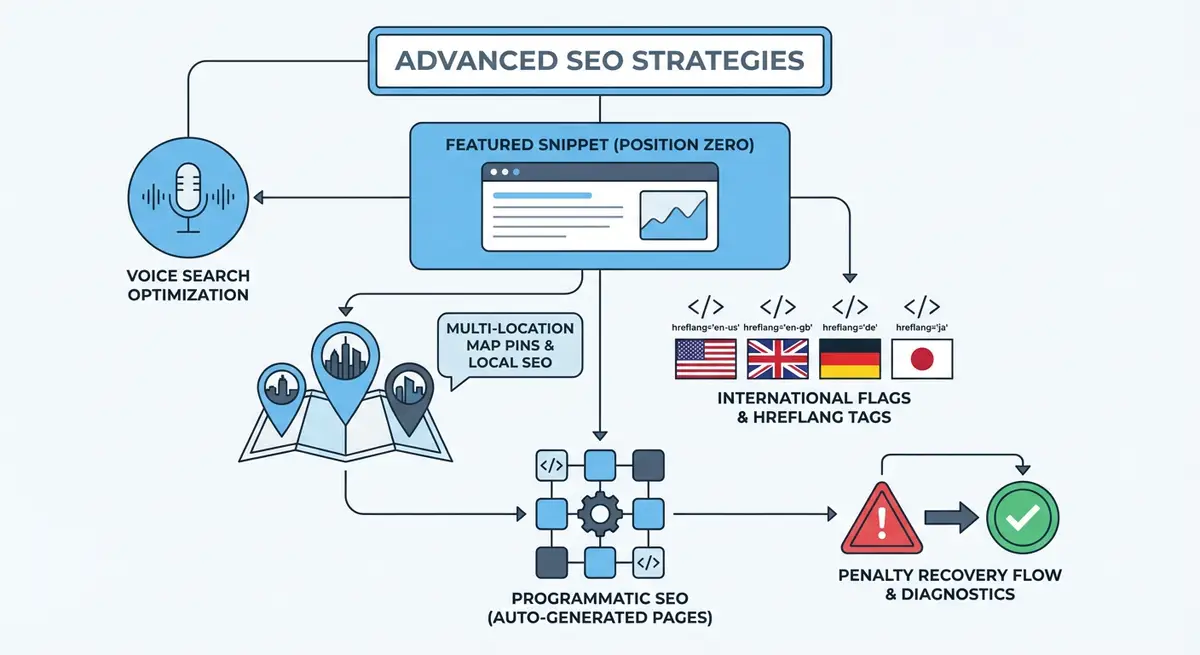
Manual Actions vs Algorithmic Demotions vs Technical Issues
There are three fundamentally different causes for a sudden traffic drop, and each requires a completely different response. Confusing one for another is the most common mistake businesses make after experiencing a ranking decline.
- Manual actions: A human reviewer at Google has flagged your site for violating their webmaster guidelines. You will see an explicit notification in Google Search Console under Security & Manual Actions. This is the only scenario where Google directly tells you there is a problem. Common triggers include unnatural backlinks, thin content, cloaking, and structured data abuse.
- Algorithmic demotions: No notification from Google. Your site was negatively affected by a core algorithm update, helpful content update, or a specific filter like SpamBrain. Google rolls out major updates several times per year, and each can significantly reshuffle rankings in affected niches.
- Technical issues: Not a penalty at all. Accidental noindex tags deployed during a site update, broken redirects after URL changes, server downtime during Google crawl windows, robots.txt misconfiguration, or DNS issues. These look identical to a penalty in your analytics but have entirely different solutions.
Diagnosing the Exact Cause
Step-by-step penalty diagnosis
- Check GSC > Security & Manual Actions immediately. If you see a notification here, you have a confirmed manual action with specific details about what needs fixing. Skip the rest of the diagnosis and go straight to the manual action recovery process.
- If no manual action exists, check the timing. Open GSC Performance and identify the exact date the traffic drop began. Compare this date against known Google algorithm update dates using resources like the Moz Google Algorithm Update History or Search Engine Land update tracker.
- Check GSC > Pages (formerly Coverage) for new errors. Look for spikes in "Excluded" or "Error" status pages. A sudden jump in "Noindex" pages suggests a technical deployment issue. A spike in "Server error (5xx)" indicates hosting problems.
- Review your own site change history. Did you deploy updates, install new apps, change URLs, modify robots.txt, or make design changes around the time of the traffic drop? Many apparent penalties are self-inflicted technical issues.
- Run a backlink audit using Ahrefs or SEMrush. Check for a sudden influx of toxic backlinks that may have triggered SpamBrain. Also check for lost high-quality backlinks, which can cause a drop without any penalty involvement.
- Analyse which pages dropped. If specific pages dropped while others are stable, the issue is page-level. If the entire site dropped uniformly, it is site-level. Core algorithm updates typically affect specific page types or quality signals, while technical issues tend to affect the entire site uniformly.
- Compare desktop vs mobile traffic drops separately in GSC. A mobile-only drop suggests a Core Web Vitals or mobile usability issue rather than a content penalty.
- Check if competitors experienced similar drops. If your entire niche dropped simultaneously, it is likely a broad algorithm update rather than anything specific to your site.
Recovering from Manual Actions
Manual actions come with specific descriptions of the violation. Common manual actions for Wix sites include "Unnatural links to your site" (someone built spammy backlinks pointing to you), "Thin content with little or no added value" (pages with insufficient unique content), and "User-generated spam" (spam in blog comments or forum sections). Each manual action describes the affected pages and the nature of the violation.
Manual action recovery process
- Read the manual action notice carefully in GSC. It describes the specific violation, whether it affects the entire site or specific pages, and what needs to be fixed.
- For unnatural link manual actions: export your complete backlink profile, identify all links that violate Google guidelines, attempt to contact linking sites to request removal, and create a disavow file for links you cannot remove.
- For thin content manual actions: identify all pages flagged as thin, either expand them with substantial unique content (minimum 300 words of genuine value), consolidate similar thin pages into comprehensive resources, or noindex pages that cannot be improved.
- For structured data manual actions: review all schema markup on your site, remove any markup that misrepresents content or contains false information, and ensure all structured data accurately reflects visible on-page content.
- Document every action you take. Google reviewers need evidence that you understood the problem and made genuine corrections.
- Submit a reconsideration request through GSC once all fixes are complete. In the request, explain what caused the violation, every specific action you took to fix it, and what processes you have implemented to prevent recurrence.
- Wait 2-4 weeks for a response. Google reviews each request manually. If rejected, carefully read the response, make additional corrections, and resubmit.
Recovering from Algorithmic Demotions
Algorithmic demotions have no reconsideration request. You must identify what quality signals the algorithm targeted, improve your site to meet the new standards, and then wait for Google to reassess during the next relevant algorithm update. For core updates, this cycle is approximately every 3-4 months. For helpful content updates, the cadence varies.
Start by reading Google official guidance about the specific update that affected you. Core updates target overall content quality. Helpful content updates target content written primarily for search engines rather than people. SpamBrain updates target link manipulation. Align your recovery efforts with the specific signals the update evaluates.
- For core update losses: audit your content against Google E-E-A-T guidelines. Improve author credentials and bylines, add original research and data, enhance content depth and accuracy, and remove or consolidate thin pages.
- For helpful content update losses: identify AI-generated or mass-produced content, rewrite it with genuine expertise and personal experience. Remove content created solely to capture search traffic without providing real value.
- For link spam update losses: audit your backlink profile for patterns of purchased or manipulated links. Disavow toxic links and focus on earning genuine editorial links through quality content.
- For product review update losses: enhance product review content with original photos, hands-on testing details, and genuine pros/cons based on real experience. Generic reviews without evidence of actual product usage are targeted.
Recovering from Self-Inflicted Technical Issues
Technical issues are the most common cause of sudden traffic drops and the most straightforward to fix. The challenge is identifying them quickly before they cause lasting ranking damage.
- Accidental noindex tags: Check your pages for meta noindex directives that may have been added during development or by a misbehaving Wix app. Remove them and request reindexing through GSC.
- Broken redirects: Verify all 301 redirects are functioning correctly. Redirect chains or loops can prevent Google from reaching your content.
- Robots.txt blocking: Check yoursite.com/robots.txt to ensure important pages and resources are not being blocked.
- SSL certificate issues: Verify HTTPS is working on all pages. Mixed content warnings or expired certificates can cause crawl and indexing problems.
- DNS changes: If you recently changed hosting, DNS, or domain settings, verify propagation is complete and Google can resolve your domain correctly.
- Wix app conflicts: Recently installed or updated apps may inject unwanted code that affects crawling or rendering. Disable recent apps one by one to isolate the issue.
Post-Recovery Monitoring
After implementing recovery measures, monitoring is critical. Set up Google Search Console alerts for coverage errors. Track rankings weekly for your top 50 keywords. Compare month-over-month organic traffic in GA4. Create a recovery timeline document that tracks every action taken and every metric change observed. This documentation is valuable both for measuring recovery progress and for preventing future issues.
Penalty Recovery Tools
- Google Search Console: Check for manual actions, coverage errors, and security issues
- Google Search Status Dashboard: Official source for confirmed Google algorithm update announcements
- Moz Algorithm Update History: Comprehensive timeline of all Google algorithm updates with impact analysis
- Google Disavow Tool: Submit a disavow file for toxic backlinks as part of link-related penalty recovery
Complete How-To Guide: Diagnosing and Recovering from Google Penalties on Wix
How to identify the cause of a traffic drop and recover systematically
- Step 1: Confirm the drop is real. Check GA4 for organic traffic over the past 30 days compared to the previous period. A drop of 20% or more sustained over 7+ days warrants investigation. Single-day fluctuations are normal.
- Step 2: Check Google Search Console > Security & Manual Actions. If a manual action exists, read the specific violation, document it, and proceed to manual action recovery. If no manual action, continue diagnosis.
- Step 3: Identify the exact drop date in GSC Performance. Compare this date against the Google Search Status Dashboard and Moz Algorithm Update History to check for confirmed algorithm updates.
- Step 4: Check GSC > Pages for new errors. Look for sudden increases in "Excluded", "Error", or "Not indexed" pages. Export the list and identify the cause of each new error.
- Step 5: Review your site change history. Check for deployments, new apps, URL changes, robots.txt modifications, or design updates made around the time of the drop.
- Step 6: If the cause is a manual action, fix the cited violations, document all changes, and submit a reconsideration request through GSC with detailed evidence of corrections.
- Step 7: If the cause is an algorithmic update, read Google official guidance on the specific update type. Audit your content against E-E-A-T guidelines, improve content quality, and remove or improve thin or AI-generated content.
- Step 8: If the cause is a technical issue, fix it immediately. Remove accidental noindex tags, repair broken redirects, fix robots.txt blocking, or resolve SSL and DNS issues.
- Step 9: After implementing fixes, request reindexing of affected pages using the URL Inspection tool in GSC.
- Step 10: Set up ongoing monitoring: weekly GSC checks for coverage errors, automated backlink monitoring for toxic link detection, and weekly rank tracking for your top 50 keywords.
- Step 11: Document the entire incident in a recovery report: what happened, when, the diagnosis process, actions taken, and results. This documentation prevents the same issue from recurring.
- Step 12: For algorithmic demotions, continue improving content quality over the 3-6 month recovery window. Monitor each subsequent algorithm update for signs of recovery. Partial recovery often occurs before full recovery.
Was this lesson useful?
It takes 1 minute to tell me. The course is free and I want to keep it that way, and your feedback shows me what is working and helps other people find it.
This lesson on Google penalty identification and recovery on Wix is part of Module 22: Advanced Wix SEO Strategies in The Most Comprehensive Complete Wix SEO Course in the World (2026 Edition). Created by Michael Andrews, a Wix Marketplace Legend Partner with 14 years of hands-on experience, 800 completed Wix SEO projects and 456 verified five-star reviews.