Featured snippets: how to win Position Zero on Google
Module 22: Advanced Wix SEO Strategies | Lesson 265 of 683 | 28 min read
By Michael Andrews, Wix SEO Expert UK
Featured snippets are the extracted answers that appear above the organic results in Google, often called Position Zero. They command massive visibility, with studies showing they capture 35-50% of all clicks for the queries they appear on. Winning a featured snippet can catapult a page from the bottom of page one to the very top of the search results, bypassing every competitor above you. This lesson breaks down how featured snippets work, the exact content formats Google prefers, and a systematic method to win them on your Wix site.
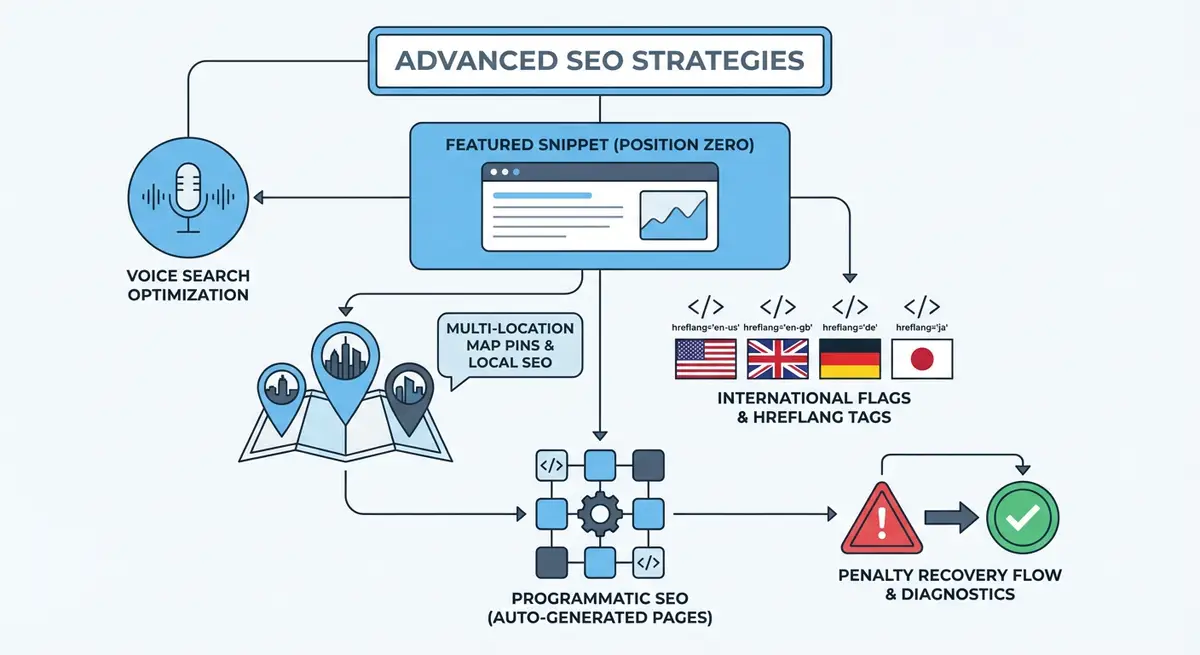
Types of Featured Snippets and When They Appear
Google displays four main types of featured snippets, each triggered by different query patterns and requiring different content formats to win.
- Paragraph snippets: The most common type, appearing for "what is", "why", and "how" queries. Google extracts a 40-60 word paragraph that directly answers the question. Example: "What is local SEO" triggers a paragraph definition.
- List snippets: Appear for queries involving steps, rankings, or collections. Both numbered lists (for processes) and bulleted lists (for unordered items) are used. Example: "How to optimise a Wix page for SEO" triggers a numbered list.
- Table snippets: Appear for queries involving comparisons, pricing, or data. Google extracts or constructs a table from your content. Example: "Wix vs WordPress SEO comparison" might trigger a table snippet.
- Video snippets: Appear for "how to" queries where visual demonstration is valuable. Google often extracts a specific timestamp from a YouTube video. Example: "How to add schema markup in Wix" might show a video snippet.
Identifying Featured Snippet Opportunities
Not every query triggers a featured snippet, and not every snippet is worth pursuing. Focus on queries where you already rank on page one (positions 1-10) and where Google currently shows a snippet. If you are not on page one, winning the snippet is extremely unlikely. If no snippet exists for a query, Google may not consider it appropriate for that format.
How to find featured snippet opportunities for your Wix site
- Open Google Search Console and export your top 200 queries by impressions where your average position is between 1 and 10.
- Manually search each query in Google using an incognito window. Note which queries currently display a featured snippet.
- For queries with snippets, document: the snippet type (paragraph, list, table), the current snippet holder URL, and what format their content uses.
- Prioritise queries where you rank in positions 2-5 and a snippet exists. These are your highest-probability wins because Google already ranks you highly.
- Check if any of your existing pages already hold snippets by searching for "site:yourwixsite.com" queries and noting rich results.
- Use tools like Ahrefs or SEMrush to filter your ranking keywords by "featured snippet" SERP features to automate this discovery process.
Formatting Content to Win Paragraph Snippets
Paragraph snippets require a concise, direct answer to the query immediately following the question as an H2 or H3 heading. The ideal paragraph snippet answer is 40-60 words, begins with a clear definition or statement, and uses the exact phrasing Google expects. Think of it as writing a dictionary entry that happens to be embedded in your longer, comprehensive article.
## What Is Local SEO?

Local SEO is the practice of optimising a business's
online presence to attract customers from relevant
local searches. It involves optimising your Google
Business Profile, building local citations, earning
reviews, and creating location-specific content to
rank in Google's local pack and organic results
for geographic queries.

[Then continue with your in-depth content below...]
Formatting Content to Win List Snippets
List snippets are triggered by process queries ("how to"), ranking queries ("best"), and collection queries ("types of"). The format is straightforward: use an H2 heading that matches the query, followed immediately by a numbered or bulleted list. Each list item should be concise (one sentence or phrase) and the list should contain 5-8 items. Google sometimes truncates longer lists with a "More items" link that drives clicks to your page.
Optimising for list featured snippets
- Use the exact query as your H2 heading. If the query is "how to do SEO on Wix", your H2 should be "How to Do SEO on Wix".
- Immediately follow the heading with a numbered list for step-by-step processes or a bulleted list for non-sequential items.
- Keep each list item to one clear sentence or phrase. Do not write paragraphs within list items.
- Include 5-8 items in the list. Google typically displays 4-6 items with a truncation link if there are more.
- Use consistent formatting: start each item with an action verb for how-to lists, or a noun for "types of" lists.
- After the list, provide detailed explanations of each item in subsequent sections. The list captures the snippet; the detail provides the comprehensive content Google also rewards.
Formatting Content to Win Table Snippets
Table snippets appear for comparison queries and data-driven questions. Google can extract data from HTML tables on your page and display them directly in search results. Use the HTML table element (or Wix table widgets) with clear header rows and consistent data formatting. Each cell should contain concise data, not paragraphs. Tables with 3-5 columns and 4-8 rows perform best for snippet extraction.
On Wix, you can create tables using the table element in the editor or by embedding custom HTML through the "Embed Code" widget. For dynamic comparison pages, use Wix CMS with a repeater formatted as a table. Ensure the table has a descriptive caption or preceding heading that matches the comparison query.
The Inverted Pyramid Structure
The inverted pyramid is the key structural principle for snippet-optimised content. Start with the direct answer (the snippet candidate), then expand with supporting details, examples, and depth. This journalistic approach satisfies both the snippet algorithm (which wants a quick answer at the top) and the comprehensive content algorithm (which wants depth and expertise throughout). Your page wins the snippet with the top and earns the ranking with the depth.
- H2 heading that matches the query exactly or very closely.
- Direct answer paragraph (40-60 words) or list (5-8 items) immediately below the heading.
- Supporting explanation that expands on the answer with details, examples, and context.
- Related subtopics covered in subsequent H2 and H3 sections that demonstrate comprehensive expertise.
- FAQ section at the bottom that captures additional snippet opportunities for related questions.
Stealing Snippets from Competitors
When a competitor holds a snippet you want, analyse their content format precisely. What heading did they use? How is their answer structured? How many words is the paragraph or how many items is the list? Then create a better version on your page: more accurate, more current, better formatted, and more concise. Google regularly re-evaluates snippet selection, and a better-formatted answer from a page with good authority will eventually replace an inferior one.
People Also Ask: The Secondary Snippet Opportunity
The "People Also Ask" (PAA) box appears on most search results pages and contains expandable questions related to the main query. Each PAA answer is essentially a mini featured snippet. Winning PAA positions is often easier than winning the main snippet because there are multiple slots available. Include an FAQ section on your pages using the same inverted pyramid format: question as an H3, concise answer immediately below, then expanded detail.
Featured Snippet Tools
- Ahrefs SERP Features: Filter keywords by featured snippet availability and track snippet ownership
- SEMrush Position Tracking: Monitor featured snippet positions and detect snippet gains and losses
- AlsoAsked: Discover People Also Ask questions for any keyword to find secondary snippet opportunities
- SEO Fix in a Box: My Wix app. Free to install, it scans your site and shows what needs fixing, and paid plans write the fixes from your own Google searches
Complete How-To Guide: Winning Featured Snippets on Wix
How to systematically win featured snippets for your Wix site
- Step 1: Export your top 200 queries from Google Search Console where your average position is between 1 and 10. These are your snippet-eligible queries.
- Step 2: Search each query in incognito mode and document which queries currently display featured snippets. Record the snippet type (paragraph, list, table) and the current holder.
- Step 3: Prioritise queries where you rank in positions 2-5 and a snippet exists. These are your highest-probability targets.
- Step 4: For paragraph snippet targets, add the exact query as an H2 heading on your page, followed immediately by a 40-60 word answer paragraph that directly answers the question.
- Step 5: For list snippet targets, add the exact query as an H2 heading, followed immediately by a numbered list (for processes) or bulleted list (for collections) with 5-8 concise items.
- Step 6: For table snippet targets, create an HTML table with clear headers and concise data in each cell. Add a heading above the table that matches the comparison query.
- Step 7: Below each snippet-optimised answer, add comprehensive supporting content that provides depth, examples, and expertise. The snippet answer gets you Position Zero; the depth keeps you ranking.
- Step 8: Add an FAQ section to each page with 3-5 related questions formatted as H3 headings with concise answers. These target People Also Ask positions.
- Step 9: Optionally add FAQPage schema to your visible FAQ sections. Featured snippets and PAA answers come from the visible content, so the answers themselves matter most.
- Step 10: After optimising, wait 2-4 weeks for Google to recrawl and re-evaluate your pages. Use the URL Inspection tool in GSC to request indexing for priority pages.
- Step 11: Monitor snippet ownership weekly using Ahrefs, SEMrush, or manual searches. Track which snippets you have won and which remain held by competitors.
- Step 12: For snippets you have not won after 4 weeks, compare your content format directly against the current holder. Identify format differences and adjust your answer to be more concise, more structured, or more directly responsive to the query.
Was this lesson useful?
It takes 1 minute to tell me. The course is free and I want to keep it that way, and your feedback shows me what is working and helps other people find it.
This lesson on Featured snippets: how to win Position Zero on Google is part of Module 22: Advanced Wix SEO Strategies in The Most Comprehensive Complete Wix SEO Course in the World (2026 Edition). Created by Michael Andrews, a Wix Marketplace Legend Partner with 14 years of hands-on experience, 800 completed Wix SEO projects and 456 verified five-star reviews.